

Hi,
I have a query, I have migrated Info Path form from SharePoint 2007 to SharePoint online (Office 365) site. But when I open Info Path form in Web Browsers its getting error.

I already click on Check box of Allow users to browser-enable form templates and Render form templates that are browser-enabled by users in SharePoint admin center of Office 365.
Can anyone please suggested me, how can i open migrated Info Path form in Web Browser.
Thanks
Akash Anand

Hi,
The InfoPath form instance is associated to a form template using URL association.
Similar issue occurs while you move InfoPath forms to a different location. In your case, you have to Re-link the forms. Can you try re-linking the forms and give out a shot? “Relink forms” option should be available in Form library settings.
Thanks,
Prakash.
Hi Robin,
Open info Path form on Web browser is not supported in SharePoint online. So i open Info Path form on Info Path Filler.
Now I want to open info path filler after click on link.

Hi Akash,
We had the same issue with the INfopath 2007 forms migrated to 2013 on prem. we had to update the forms in InfoPath 2013 and republish making sure they were set to Web browser forms for them to work on our 2013.

I suspect that the imported form has some differences in the XML that defines it, making it incompatible with the Office Apps Server. I am not the one to say it is incompatible, just relaying what MSFT Support has reported.
Hi David,
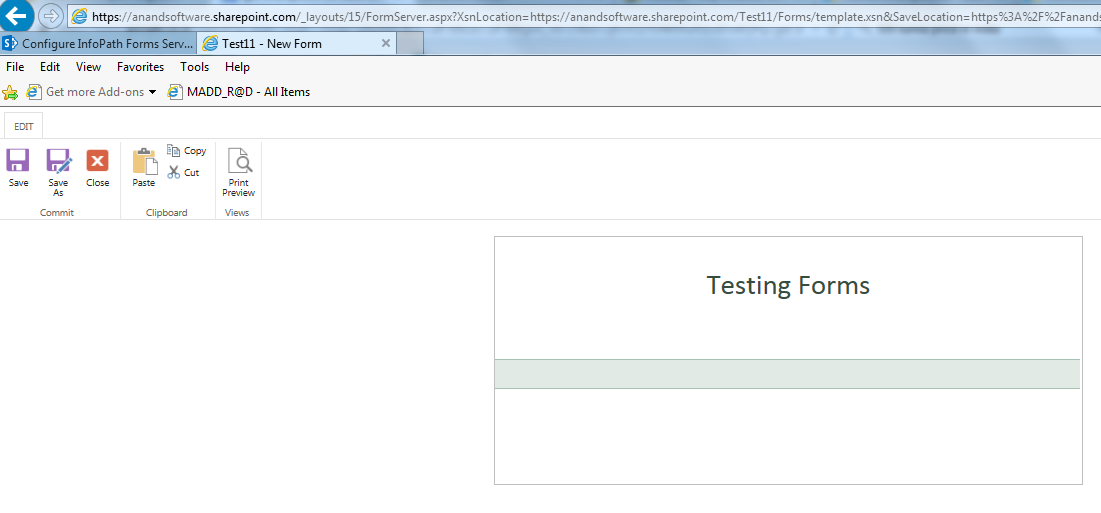
Thanks for Replying, But in my case if i created new info path form using Info path 2013 designer it display on Office 365 site browser. So why migrated info path form not display.
Thanks
Akash
?width=721
