

I’ve created a Change Management System in our SharePoint Online environment that involves InfoPath forms, SharePoint Designer workflows, and three separate SharePoint lists. My question is when a user goes to create a change management request and loads the first form I’ve added a Start Date and End Date field for them to select. When I added the Date/Time column to the list it only let me select a single date and so I had to create two columns.
What I’d like to know how to do is after the user fills out the form and selects a start and end date, how can I get that date info to transfer over to the SharePoint calendar on our team site?
Is there something I need to add to the workflow of that first list in order to accomplish that?
Any help would be greatly appreciated.
Here’s a screenshot of what the first form looks like when a user creates a request.


Hi Jeremy,
You should make your start/end date required. When creating the column for that, tick the “Require that this column contains information”, and because you created this column, you can’t see this options.
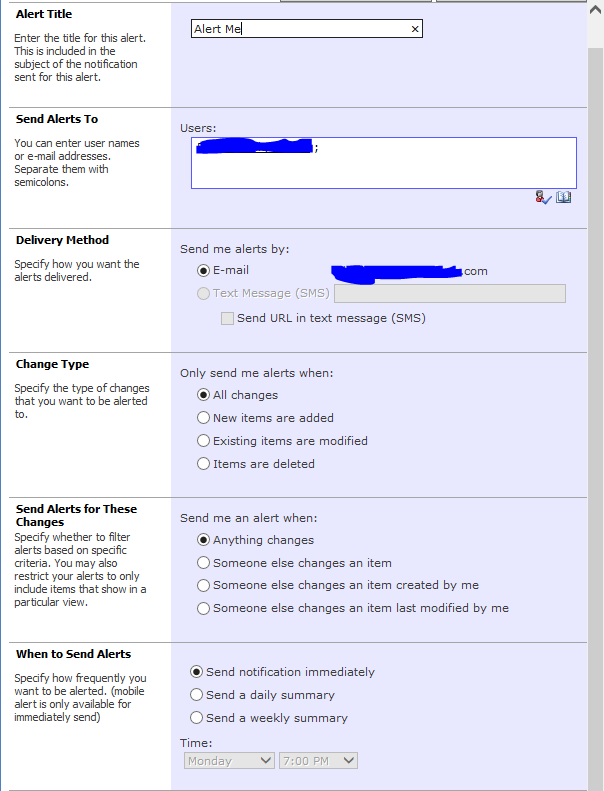
You should try the setup below in InfoPath instead:
1. Right click your date/time fields under “Fields”
2. Then properties, and tick “Cannot be blank” and click OK.
Start/Date displays 1/10/10001 1:00am because it is null.
