

I’ve created a Change Management System in our SharePoint Online environment that involves InfoPath forms, SharePoint Designer workflows, and three separate SharePoint lists. My question is when a user goes to create a change management request and loads the first form I’ve added a Start Date and End Date field for them to select. When I added the Date/Time column to the list it only let me select a single date and so I had to create two columns.
What I’d like to know how to do is after the user fills out the form and selects a start and end date, how can I get that date info to transfer over to the SharePoint calendar on our team site?
Is there something I need to add to the workflow of that first list in order to accomplish that?
Any help would be greatly appreciated.
Here’s a screenshot of what the first form looks like when a user creates a request.


Hi Jeremey,
I’m a bit confuse with this statement “When I added the Date/Time column to the list it only let me select a single date and so I had to create two columns.”
When creating a list with Date/Time data type there is a format below that you need to select:
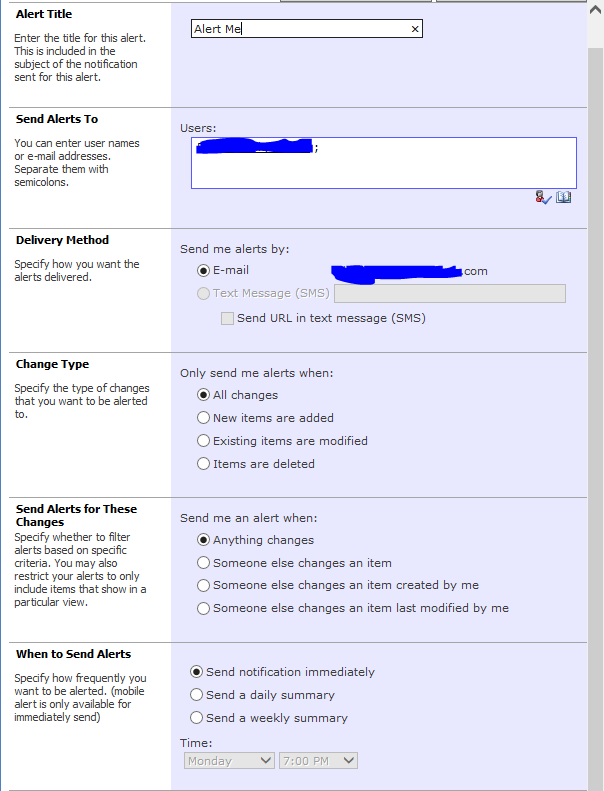
When transferring the data to calendar, you will need to add this in your workflow:
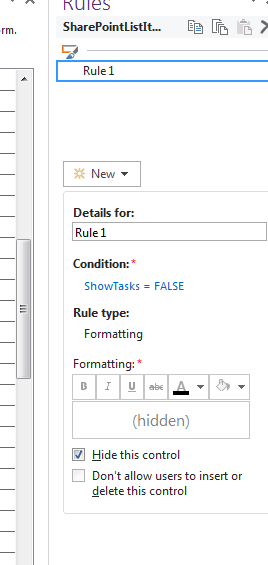
“Create item in Calendar (Output to Variable: output )” then click the “Calendar” it will pop up a dialog box then fill in the data/add data you needed to add.
Hope this help.
~Anj
